

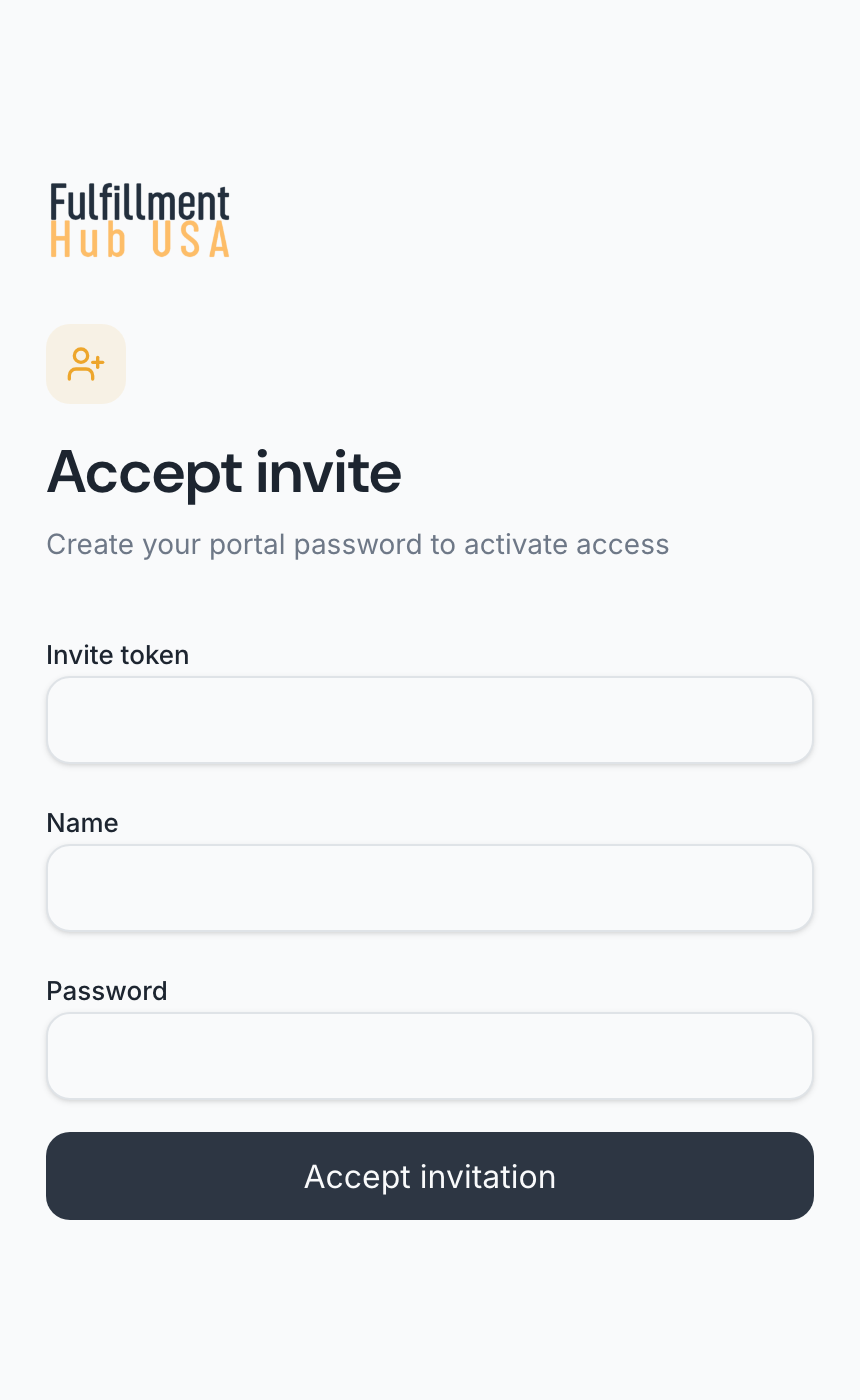
- Open the link in your invitation email. Invite token is filled in for you, so leave it alone.
- Type your Name.
- Type a Password of at least 12 characters.
- Click Accept invitation.
You see “Accepting invitation...”, and then you can use the portal.
The link lasts 7 days. If it has expired, ask us to send a new one.
Checked November 2, 2026.