

- Go to portal.fulfillmenthubusa.com.
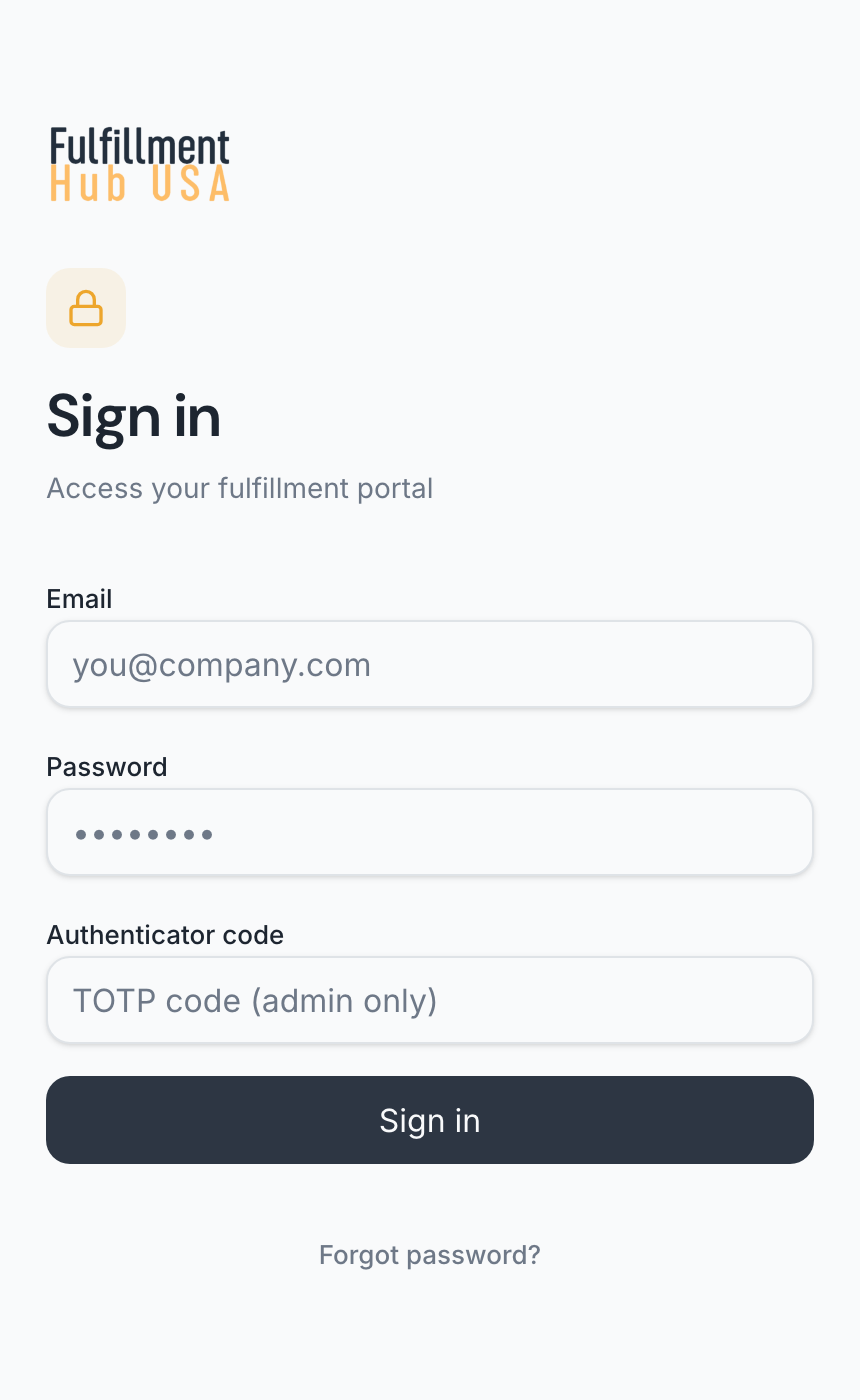
- Type your Email and Password.
- Leave Authenticator code empty. That box is only for our staff.
- Click Sign in.
You see “Signing in...”, and then your first page, usually Dashboard.
| Message | What to do |
|---|---|
| “Too many sign-in attempts. Wait a moment and try again.” | Wait a moment, then try again. If you’ve forgotten your password, reset it. |
| “Your portal access is turned off.” | Contact us. You can’t turn it back on yourself. |
Checked November 2, 2026.